 ADx Studio
Lyric videos,synced to the word
ADx Studio is a Mac app for making lyric videos. Add a song and its lyrics: it times every word to the vocal, animates it in the style you pick and renders the video on your own computer.
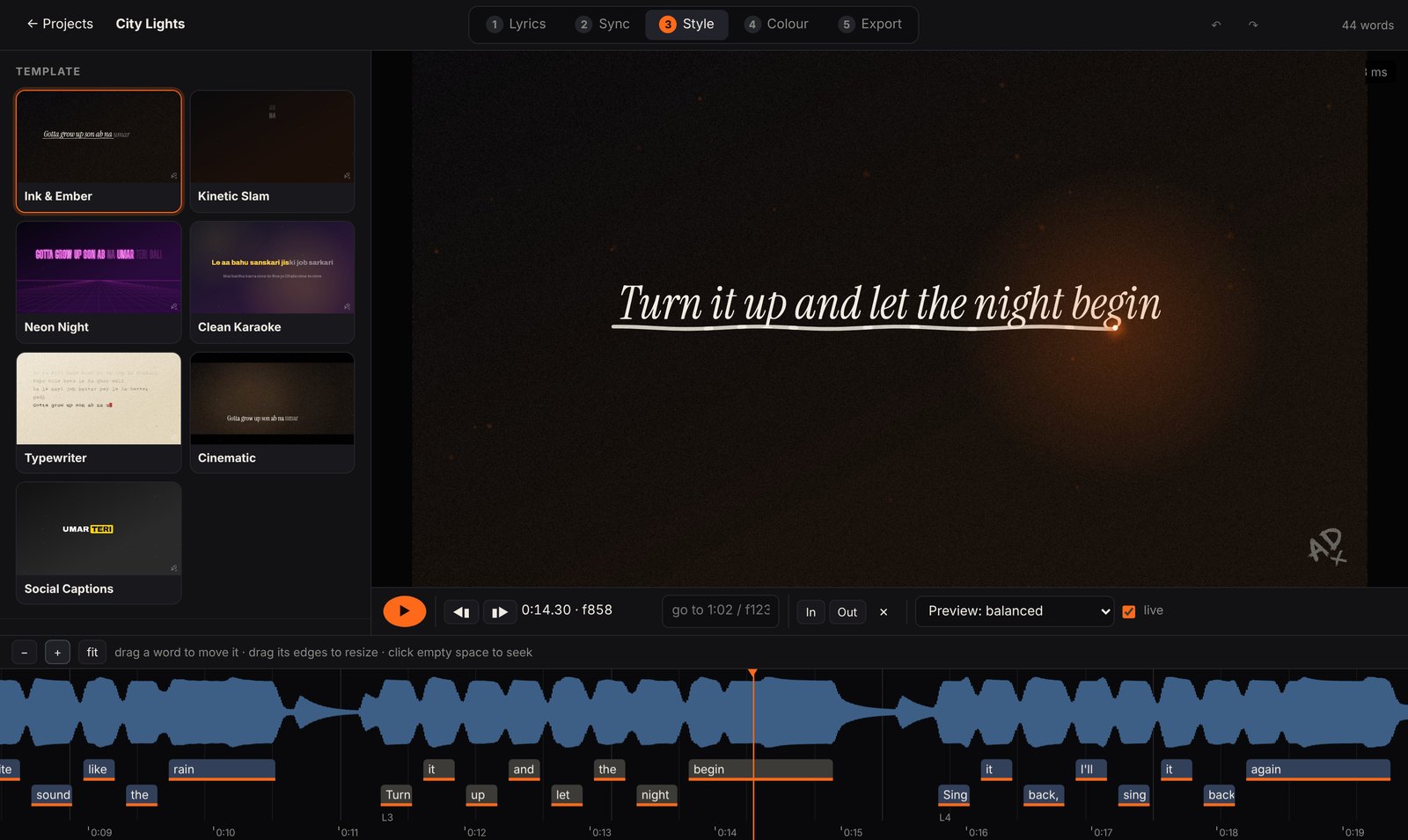
Auto sync
ADx Studio separates the vocal from the music, then aligns every lyric word to it with a multilingual speech model. Romanised Hindi and English lyrics both work.
On a test song, half the words landed within 10 ms of a hand-timed reference, and 96% within 60 ms.
- Tap sync for timing a line by hand as the song plays
- Timeline editing to drag, resize and nudge single words, with undo
Seven styles
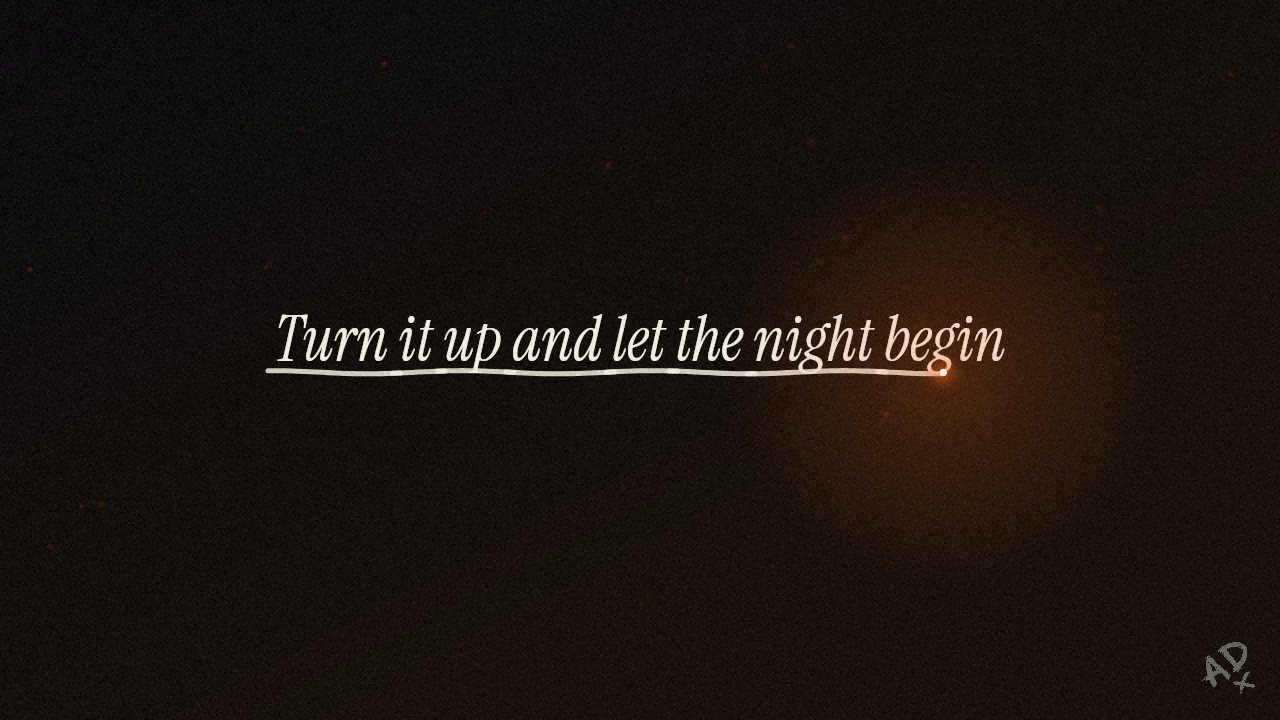
The same line, seven ways. Each style takes your colours, fonts, text size and position, a logo intro and outro, a title card, particles, audio bars and a background image.
Colour grading
Grade the whole video with exposure, contrast, highlights, shadows, saturation, warmth, tint, film fade and vignette, or start from a preset. Hold B to compare with the original.

 OriginalGraded
Any shape
Widescreen for YouTube, vertical for Reels and Shorts, square or 4:5 for feeds, and 21:9 for a cinematic cut. The layout adapts to the frame.

Fast renders
Preview frames render in tens of milliseconds, so the picture keeps up while you scrub. Final renders in Draft, HD or 4K60 split the song across parallel workers and use the Mac's hardware encoder.
From song to video
Add your song and lyrics
Pick the audio file, paste the lyrics and choose a format and style.
Sync and style
Run auto sync, check it on the timeline, then adjust the look and colour.
Render
Export a Draft to check, then the final video in HD or 4K60.
Install
Build the app from the source, then drag it into Applications. It isn't signed, so clear the quarantine flag once before the first launch.
- SystemmacOS
- PythonPython 3 from python.org
- First launchSets up a private Python environment, which takes a few minutes
- Auto syncSpeech models (about 330 MB) download the first time you use it
# get the source and build the app
$ git clone https://github.com/AtharvaDubey/adx-studio
$ cd adx-studio && bash mac/build_app.sh

# move it to Applications and allow it to open
$ mv "dist/ADx Studio.app" /Applications/
$ xattr -dr com.apple.quarantine "/Applications/ADx Studio.app"

# or run it straight from the source
$ python3 server.py